Brand
MOFE brand kit.
The name, logo, colours and pictures, for anyone writing about MOFE or working with us. Take everything in one download, or each file below.
Name
How to write the name.
MOFE is one word in capital letters. Not “Mofe”, and not “MOFE Digital”. The company’s full name, MOFE LTD, belongs in legal lines only.
Logo
Three forms, one shape.
Three squares, filling in from left to right: work waiting, work moving, work done. On screen the first two are lighter shades of one colour; the one-colour files use solid squares in a single ink, for print, embroidery and stamps. Give every form room: clear space on each side at least the width of one square. Never recolour, stretch, outline or add effects.
Logo
The default. Use it wherever there is room.


Mark
For tight spaces and rows of logos, when the name is written nearby.



Colour
Mostly ink and paper.
On light backgrounds the logo is ink blue and Ink; on dark, white. For print in one ink, use the one-colour files. Ink blue is for the mark, the icon, links and labels.
Ink
#171717
RGB 23, 23, 23
Paper
#FFFFFF
RGB 255, 255, 255
Ink blue
#2B3F9E
RGB 43, 63, 158
Colours used in pictures only
Black for MOFE’s hub, buttons and dark panels. One paper tint per character. Red, amber and green only ever mean stuck, watch and on track.
- Black #0A0A0A
- Blue paper #E6EBFA
- Pink paper #FBE9F0
- Lilac paper #EEE9FB
- Cream paper #F7F2E4
- Stuck #C23B2A
- Watch #9A5C00
- On track #2F7A4B
Type and characters
The paperwork, alive.
Headings in Satoshi, text in Inter, references and numbers in Geist Mono. In pictures, four paper characters carry the work. A red tag means stuck, amber means watch, green means on track.
Envelope
Emails that need a reply or a chase. Shown stuck.
Slip
Orders and forms typed into systems. Shown on watch.
Sheet
Trackers kept up to date by hand. Shown on track.
Calendar page
A date that must not be missed. Shown on track.
Pictures
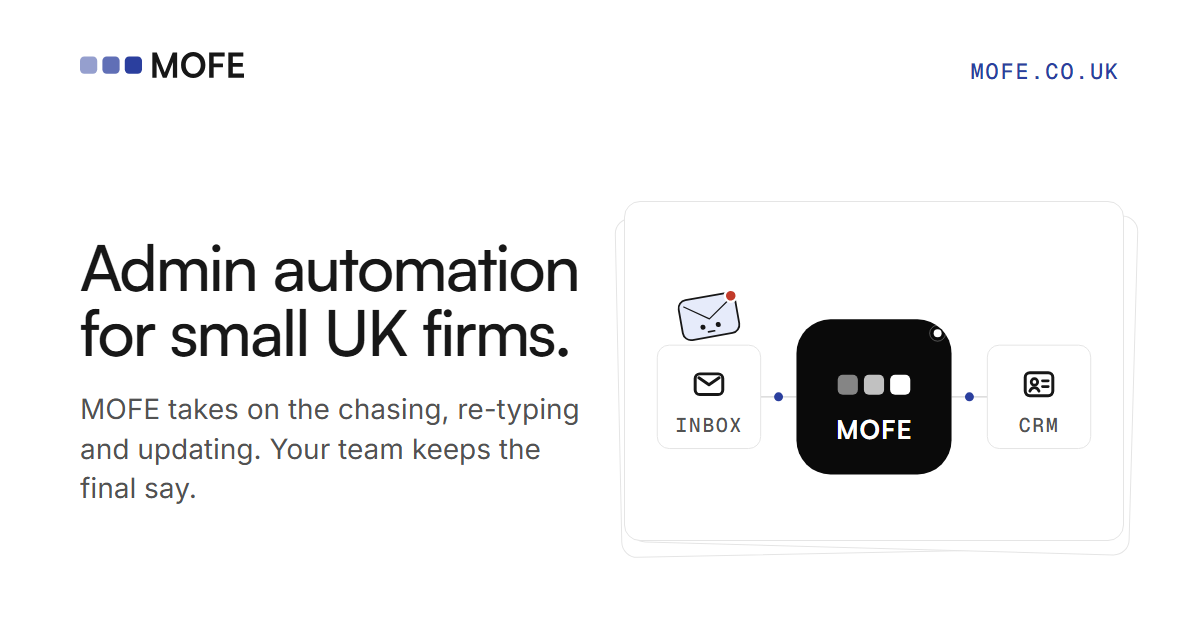
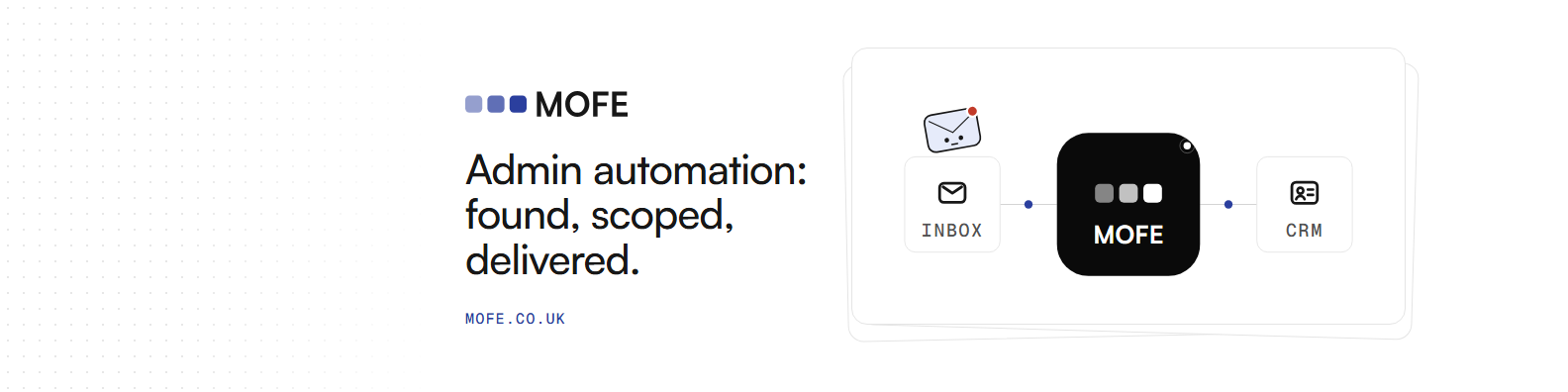
Ready-sized for profiles and shares.
Use them as they are. The banner keeps its left side empty for LinkedIn’s profile photo.